Every embroidered design you have ever seen on a hat, jacket, or patch started life as a stitch file. Embroidery digitizing software is what creates that file. It converts your artwork into a set of machine instructions: where each stitch lands, in what order, at what density, and in which direction the thread runs.
The software you pick matters more than most beginners expect. A good stitch file sews clean the first time. A bad one gives you gaps, puckering, and thread breaks, and no amount of fabric or stabilizer fixes a poorly digitized design.
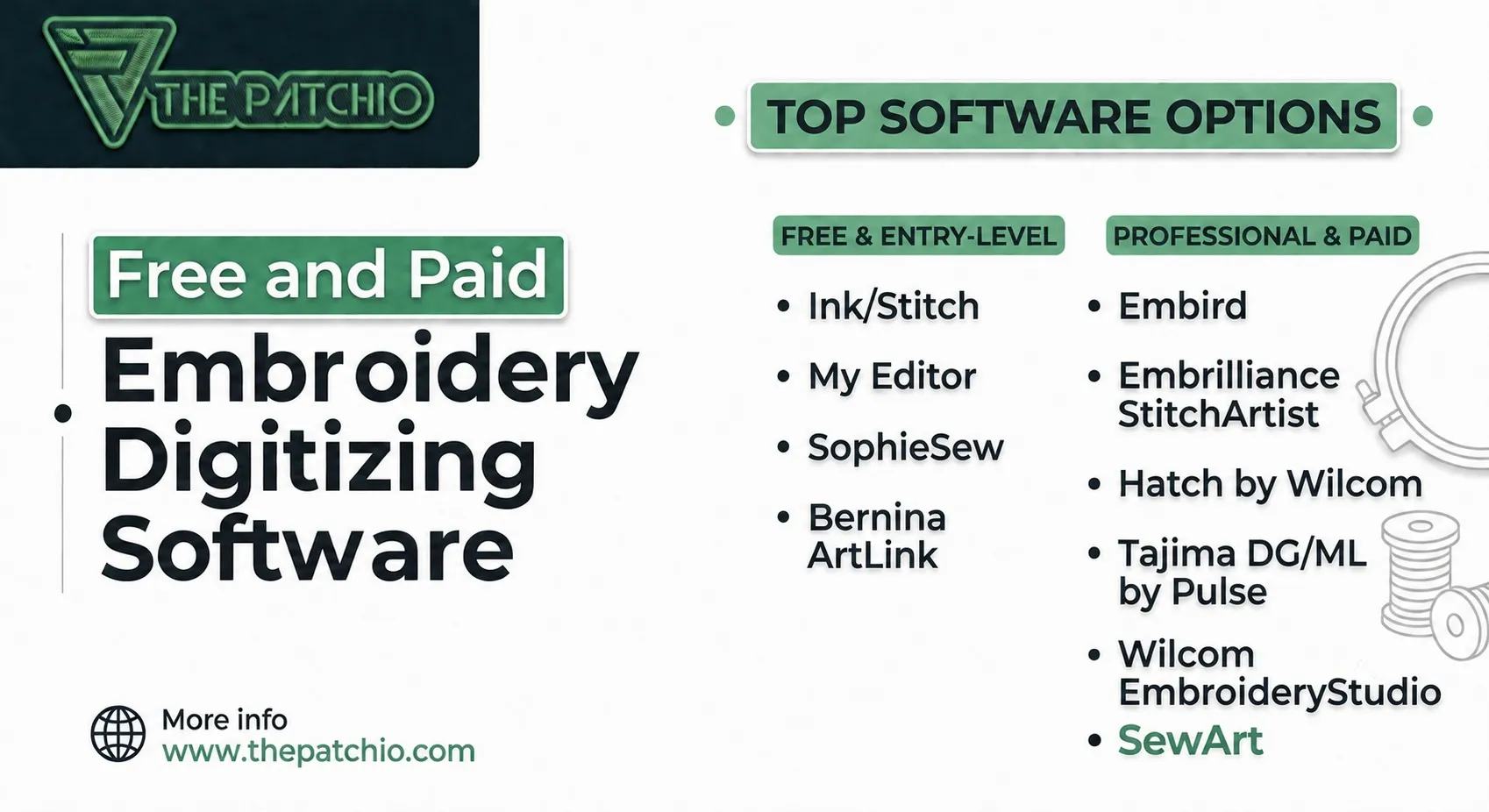
The market splits into two camps. Free tools like Ink/Stitch can produce genuinely professional results if you put in the learning time. Paid programs like Hatch and Wilcom cost anywhere from $75 to $4,000 and buy you speed, automation, and support. This guide covers the best of both, with real 2026 prices, so you can pick the right one for your skill level and budget.
If you are brand new to this world, read our explainer on what embroidery digitizing is and how it works first. It will make everything below easier to follow.
Quick Comparison: Free vs. Paid Digitizing Software| Software | Price | Best For |
|---|---|---|
| Ink/Stitch | Free, open source | Best free option overall |
| My Editor | Free | Viewing and editing existing designs |
| SophieSew | Free | Manual digitizing practice on Windows |
| Bernina ArtLink | Free | Resizing and converting file formats |
| SewArt | Around $75 | Cheapest paid auto-digitizing |
| Embird | From $149 + modules | Budget modular setup you build over time |
| Embrilliance StitchArtist | $169 to $1,499 | Mac users and modular buyers |
| Hatch by Wilcom | $149 to $1,099 | Serious hobbyists and small businesses |
| Tajima DG/ML by Pulse | Dealer priced | Industrial Tajima production setups |
| Wilcom EmbroideryStudio | From $790/year or $4,000 | Commercial digitizing professionals |
Best Free Embroidery Digitizing Software
Let us be honest about the free category before we start. Most "free embroidery software" lists are padded with programs that only view or edit existing designs. That is useful, but it is not digitizing. Only one free program on this list can truly take you from artwork to a finished stitch file, so we will start there.
1. Ink/Stitch (Best Free Digitizing Software)
Ink/Stitch is the free option that actually deserves the name. It is an open source extension for Inkscape, the free vector drawing program, and it runs on Windows, Mac, and Linux. You draw or import your artwork as vectors, assign stitch types to each shape, and export a machine-ready file in dozens of formats including DST and PES.
What you get is real manual digitizing: fill stitches, satin columns, running stitches, bean stitches, control over density and underlay, a lettering tool with a large library of pre-digitized fonts, and stitch path optimization. The 2026 updates added better Bezier curve handling, which speeds up digitizing curved shapes noticeably.
The catch is the learning curve. Ink/Stitch automates very little, so you are making the decisions a professional digitizer makes, and you have to learn what those decisions mean. Push and pull compensation, stitch direction, underlay choices, all of it. The documentation is thorough and YouTube is full of tutorials, but expect weeks of practice before your files sew out cleanly.
Our take: if you have time but no budget, this is the one. Some small digitizing businesses run entirely on Inkscape and Ink/Stitch.
2. My Editor
My Editor is a free program from Wings Systems, the company behind the commercial Wings XP software. It is not a digitizer. It is a viewer and editor for existing embroidery files, and a very good one. You can resize, rotate, recolor, and merge designs, and its 3D stitch preview shows you a near realistic render of how the thread will look before you sew a single stitch.
That preview alone earns it a spot on your computer. Checking a purchased or downloaded design for gaps and density problems before it hits the machine saves fabric and frustration.
3. SophieSew
SophieSew is a free manual digitizing tool for Windows. It gives you hands-on control over stitch paths and is decent for learning how stitches are actually constructed. The honest downside: development has been quiet for years, the interface feels dated, and there is no auto-digitizing at all. Treat it as a free classroom for manual technique rather than a production tool.
4. Bernina ArtLink
ArtLink is Bernina's free design editor, and you do not need a Bernina machine to use it. Its strength is resizing designs without wrecking stitch density and converting files between machine brands, for example turning a Husqvarna .VP3 into a Brother .PES. If you buy designs online and own a machine that reads a less common format, ArtLink quietly solves a very annoying problem. Wilcom's free TrueSizer does a similar job for resizing and is also worth having.
A Note on Free TrialsIf you want to feel what professional software is like without spending anything, Hatch by Wilcom offers a 30 day trial with every feature unlocked, and it exports to more than 20 file formats during the trial. Embird runs a demo mode with a stitch limit that handles small logos fine. These trials expire, so they are not a long term plan, but they are the smartest way to test before you buy.
Best Paid Embroidery Digitizing Software
Paid software earns its price in three ways: auto-digitizing that gets you a usable starting point in seconds, refined stitch engines that produce cleaner sew-outs, and actual customer support when something goes wrong. Here are the ones worth your money in 2026.
1. Hatch by Wilcom (Best Overall for Most People)
Hatch is built by Wilcom, the same company behind the industry standard commercial software, but packaged for home users and small businesses. It comes in four levels: Organizer, Personalizer, Composer, and Digitizer. Pricing runs from around $149 for the entry level up to about $1,099 for the full Digitizer level, and Wilcom offers monthly payment plans if the upfront cost stings.
The full Digitizer level includes one-click auto-digitizing, over 100 professionally digitized fonts, photo stitch tools, and complete manual control when you outgrow the automation. The tutorials and community around Hatch are the best in this price range, which matters more than any single feature when you are stuck at 11 pm with a deadline design.
If you plan to sell embroidered products and want one program that grows with you, Hatch is our recommendation.
2. Wilcom EmbroideryStudio (Best for Commercial Production)
EmbroideryStudio is what many professional digitizing houses and large embroidery shops run. The stitch quality and control are the benchmark the rest of the industry gets measured against. It is priced accordingly: subscriptions start around $790 per year, and perpetual licenses run close to $4,000.
Nobody should buy this as their first program. It makes sense when digitizing is your business, you handle complex artwork daily, and turnaround speed directly affects your income.
3. Embird
Embird takes a modular approach. You buy a basic license for about $149, then add only the modules you need: Studio digitizing tools for around $150, Font Engine for converting TrueType fonts for another $150, plus optional modules for cross stitch and photo effects. Its Sfumato Stitch module is genuinely unique, blending thread colors to reproduce photographs in a way few competitors match.
The interface feels older than Hatch and the learning materials are thinner, but if you want to control costs and build your toolkit piece by piece, Embird delivers a lot for the money.
4. Embrilliance StitchArtist (Best for Mac Users)
Embrilliance runs natively on both Mac and PC, no Windows emulation tricks required, which makes it the default answer for Apple households. StitchArtist comes in three levels: Level 1 at $169 for manual digitizing basics, Level 2 at $649 total for serious design work, and Level 3 at $1,499 total for full commercial capability. You upgrade by paying the difference, so nothing you spend is wasted.
The interface is friendly, and the company's free Express program handles BX font lettering if all you need is names and monograms.
5. SewArt (Cheapest Paid Option)
SewArt costs around $75 and does one thing: auto-digitizing simple artwork. Feed it clean, flat-color clip art or a basic logo and it produces a workable stitch file with minimal effort. Feed it a photo or detailed artwork and it will struggle. For hobbyists who want quick results on simple designs without learning manual digitizing, it is honest value. Just know its ceiling before you buy.
6. Tajima DG/ML by Pulse
Tajima's DG/ML by Pulse is professional software aimed at commercial shops, especially those running Tajima machines. It ships in tiered levels from Composer up to Maestro, with pricing through dealers rather than a public price list. Its lettering tools and industrial workflow features are excellent. For a home embroiderer it is overkill, but if you are outfitting a production floor with Tajima equipment, it belongs on your shortlist.
Free or Paid: Which Should You Actually Choose?
Here is the honest breakdown after all of that:
Choose free (Ink/Stitch) if you are a hobbyist, you enjoy learning technical skills, and your time is cheaper than your money. The results can match paid software. The hours you invest getting there are the real price.
Choose budget paid ($75 to $300) if you want results this month, not this quarter. SewArt for simple auto-digitizing, Embird basic or Embrilliance Level 1 for room to grow.
Choose mid-range paid ($600 to $1,100) if you are starting an embroidery business or digitizing weekly. Hatch Composer or Digitizer pays for itself in saved time and cleaner sew-outs.
Choose commercial software ($4,000 or dealer priced) only if digitizing is your profession. Wilcom EmbroideryStudio and Tajima DG/ML are production tools, and their price only makes sense against production income.
One thing no software fixes: digitizing is a skill, not a button. Auto-digitizing gives you a starting point, but the difference between an amateur file and a professional one is hundreds of small judgment calls about density, direction, and compensation. The software is the instrument. Someone still has to learn to play it.
Or Skip the Software Entirely
Here is the question worth asking before you spend money or weeks of learning time: do you actually want to digitize, or do you just need a digitized file?
If you need one logo converted for your caps, or artwork prepared for a patch run, buying software and climbing its learning curve is the slow, expensive route. Our embroidery digitizing service turns your artwork into a clean, production-ready stitch file, handled by digitizers who do this all day. Blurry or low quality artwork is not a problem either, since our vector conversion service can rebuild it first.
And if the end goal is finished product rather than a file, ThePatchio makes custom embroidered patches with free artwork setup and revisions included, so the digitizing is already part of the deal. Send us your design and we will send back a free quote and digital proof before you pay anything.